Operational data
Requests, bookings, contracts, transaction context and operational status.

Crenex Assist
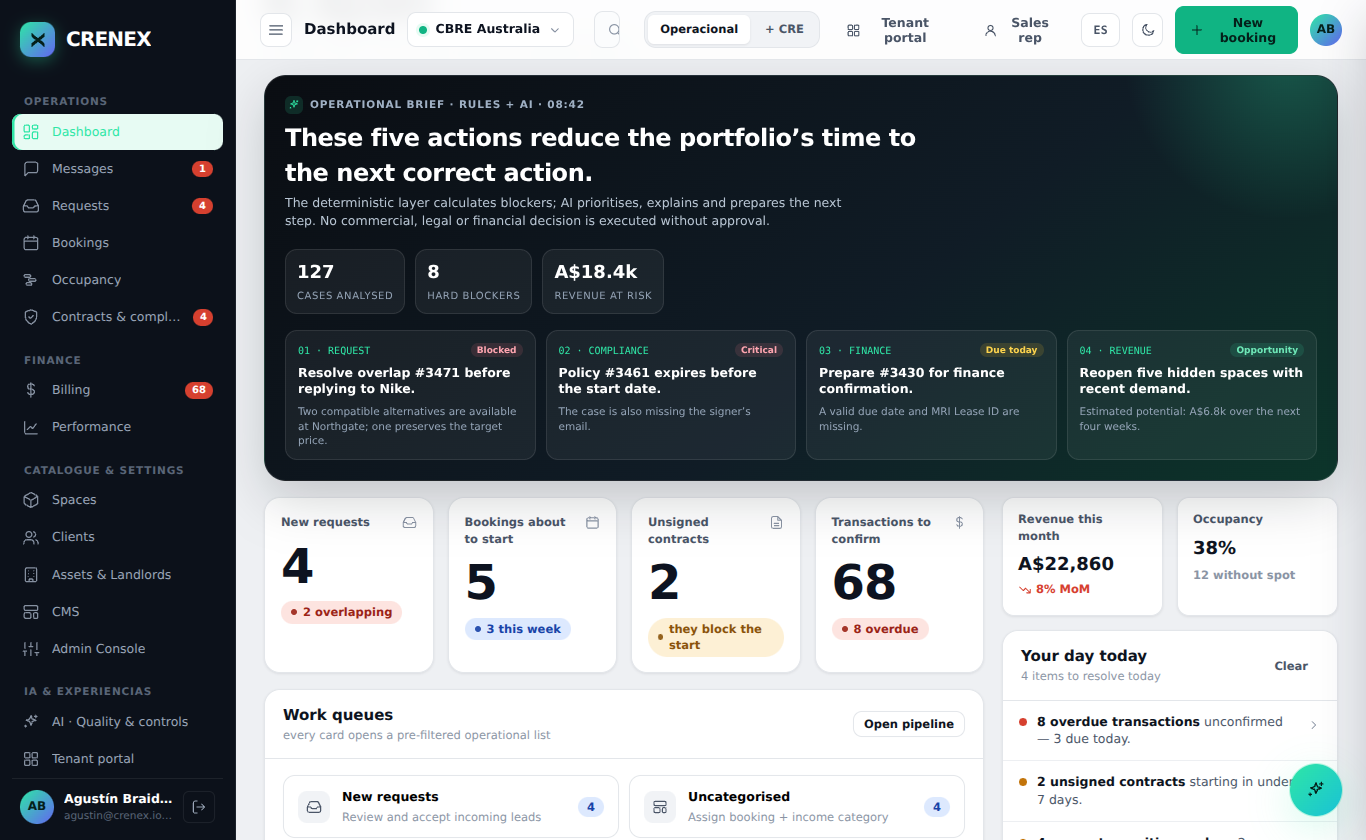
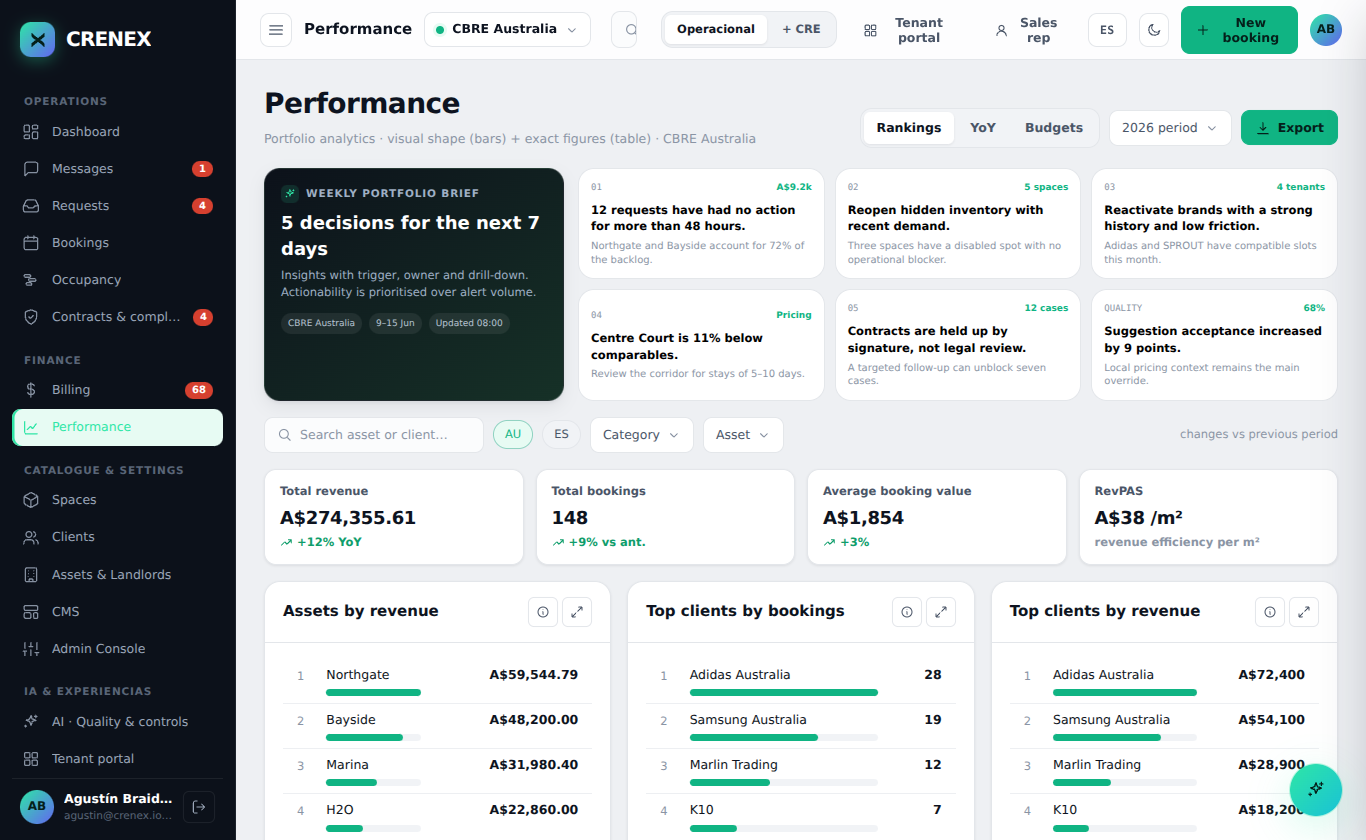
Ask operational questions, explore performance and support repetitive drafting from the information already held in Crenex.
Crenex Assist features and available actions depend on customer configuration, data sources and agreed review controls.
Where it can help
The useful difference is not a generic chat window. It is access to the assets, bookings, dates, rates and performance data your team already manages.
Ask questions about requests, bookings, assets or performance using natural language.
Explore portfolio data and prepare views for a specific operational question.
Support emails, summaries or documents using approved data and templates.
Use the available asset, date, duration and booking history as context for review.
Help distributed teams work with the same operational information across languages.
Keep people responsible for approving any external response or operational change.
Data sources
A deployment can be scoped to the Crenex data and approved materials required for the use case.
Requests, bookings, contracts, transaction context and operational status.
Spaces, images, availability, pricing information and captured enquiries.
Templates, procedures and other documents selected for the deployment.
Practical controls
AI should be introduced around a clear operational use case—not as a separate promise disconnected from the platform.