Explore the space
The brand reviews the pop-up location, images and published information in your catalogue, including any date windows and price guidance you choose to show.

Crenex Listing
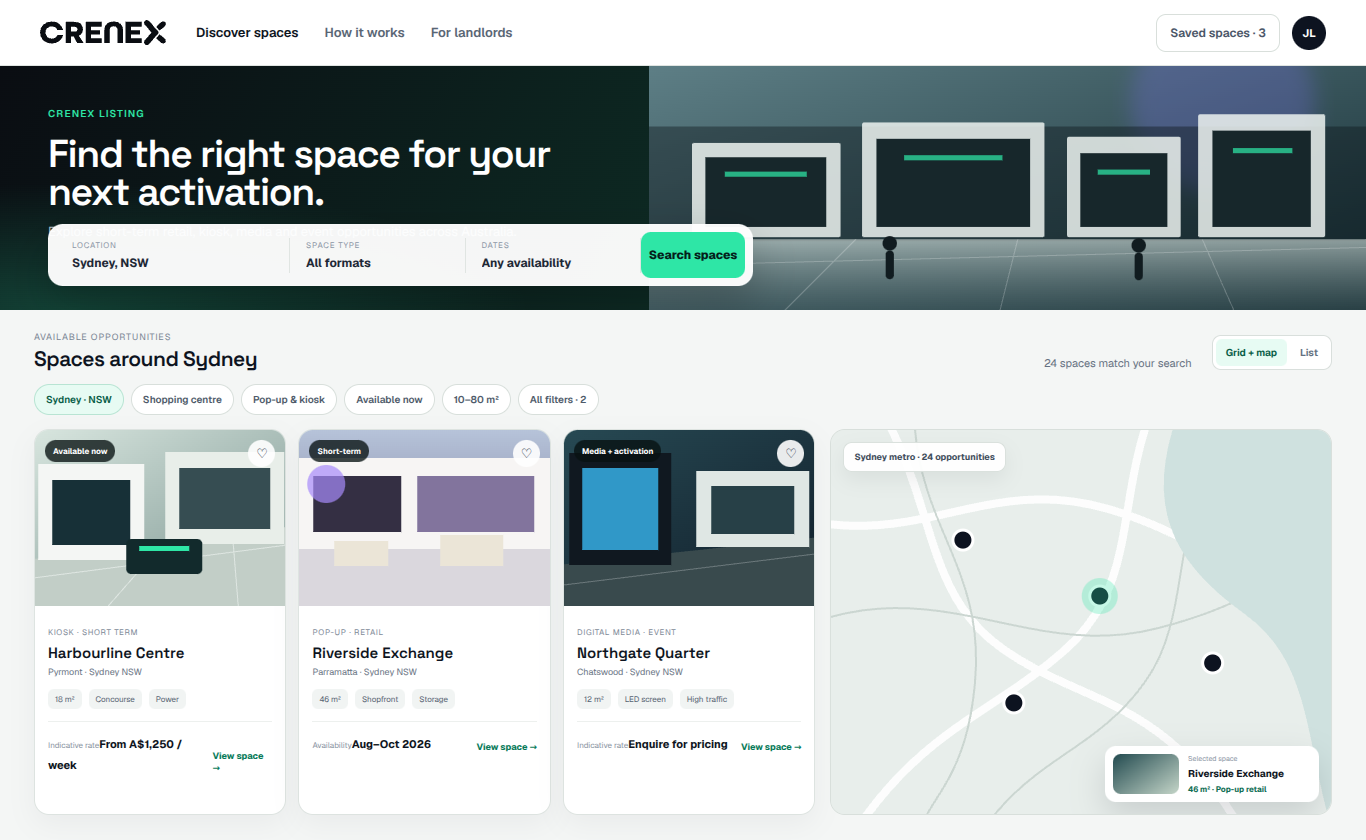
Crenex Listing helps property owners and operators publish pop-up spaces, kiosks, activation areas and media inventory in a branded catalogue. Brands and agencies can explore the information you choose to show and send an enquiry into your leasing team’s workflow.
Space listing software
Give brands and agencies a consistent way to explore your portfolio. The catalogue connects published space information with the team responsible for reviewing each enquiry.
Organise spaces, activations and media inventory in a consistent, searchable format.
Choose which date windows and price guidance to display. The leasing team reviews the requested dates and commercial terms as part of the enquiry workflow.
Capture interest from the catalogue and route it into the Crenex request workflow.
Share selected inventory with the people who need to find and compare opportunities.
Present different properties, regions and space categories within one client-branded experience.
Understand which spaces and opportunities are generating views and enquiries.
Listing + Operations
An illustrative journey for a brand exploring a temporary space. The catalogue helps it find an opportunity; the enquiry gives the leasing team the context to review the request.
The brand reviews the pop-up location, images and published information in your catalogue, including any date windows and price guidance you choose to show.
The brand submits its proposed dates, intended use and the details required by your request form. The enquiry is associated with the relevant asset and workflow.
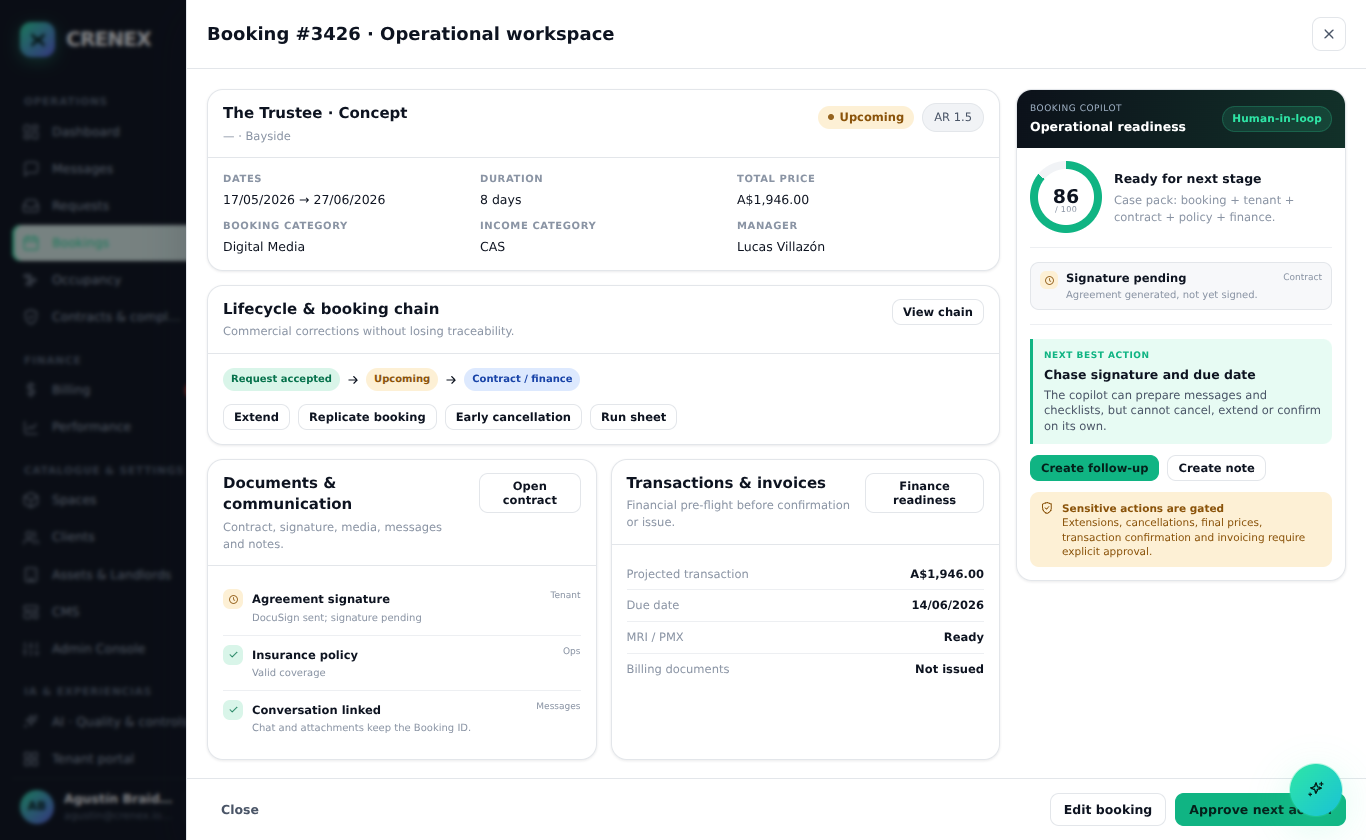
The leasing team continues with the same request in Crenex, checking availability and terms before progressing through the configured approvals, agreement and billing process.
Configured for the portfolio
Different clients need different branding, inventory structures, request forms and review rules. Crenex Listing is configured around that deployment.
Listing questions
Crenex Listing is configured around the client’s name, visual identity and public-facing experience. Inventory structure, request forms and routing are agreed for the deployment.
You choose the information shown in the catalogue, including whether to display price guidance and date windows. The leasing team can review the proposed commercial terms with the brand during the enquiry process.
A client-branded catalogue can present multiple properties, regions and space categories. Enquiries connect to the relevant asset and operational workflow. Explore the shopping centre and portfolio use cases.
The enquiry starts the leasing review. Teams check the requested space, dates and use, then manage the agreed terms, approvals and agreement through Crenex Leasing Operations.